

Security Control Panel Enclosure Best Practice For Security Installations.
Control Panel Enclosure Best Practice – Best practise for installation of security controller cabinets emerges from AS/NZS 2201.1:2007, a comprehensive document, which outlines the requirements for system components, including wiring, terminations, alarm communications and plenty more.
You must parse this information with your own installation in mind to establish what constitutes best practice for the security risk profile of your site and the importance of the components you’re installing. For example, even if the likelihood of attack is low at a site (Class 1, 2, 3), you need to consider the consequences of an attack on the controller to business operations.
Having a site broken into and severely damaged could put a business out of action for an extended period, possibly putting its survival at risk. If the alarm system is reporting fire and medical emergencies as well as intrusion the controller becomes even more vital to business continuity.
In SEN’s opinion, this means controllers should always be installed with an elevated security risk profile of Class 4 or 5. A control panel should be installed in an access-controlled area or secure cabinet or cupboard, not in a public area.
Controller enclosures should be made of powder coated steel with a thickness of greater than 1.2mm or polycarbonate with a thickness of 3mm and with an IP rating of IP50 of higher. For external applications you’ll need higher specifications – IP66/67.
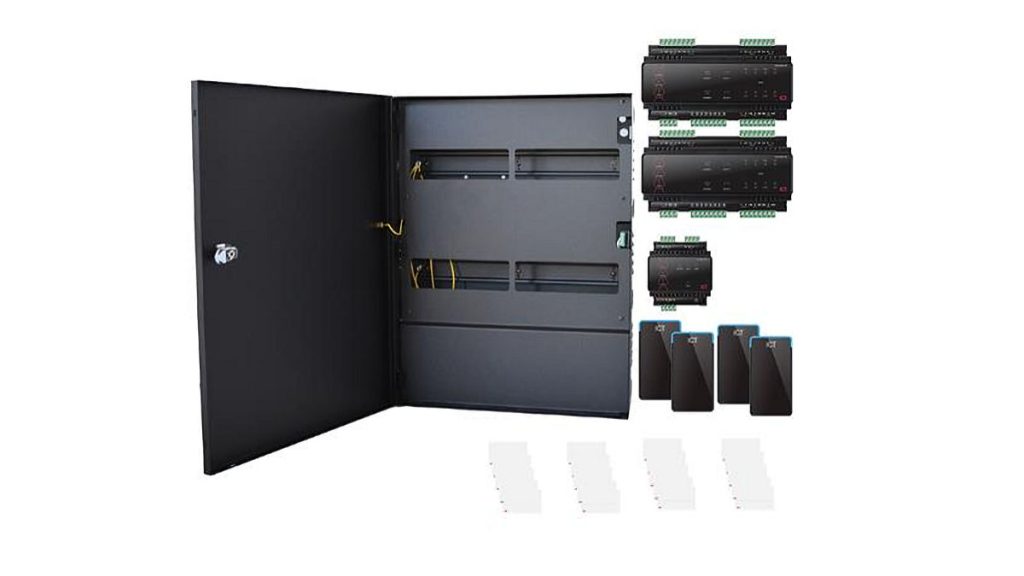
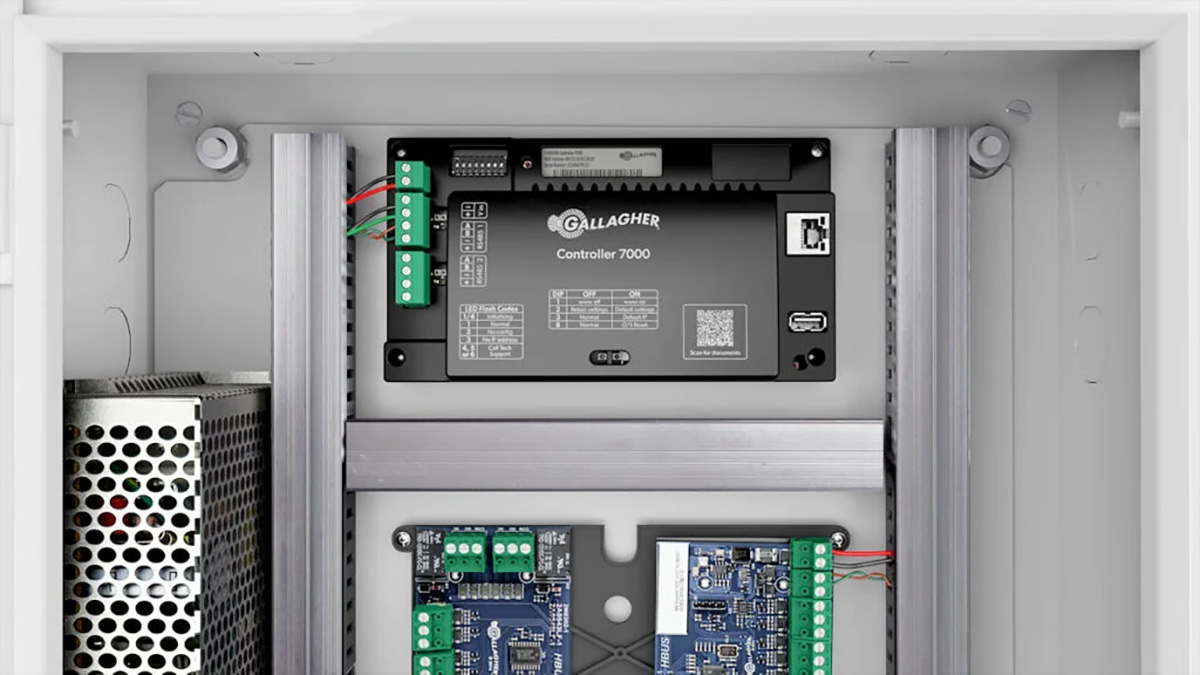
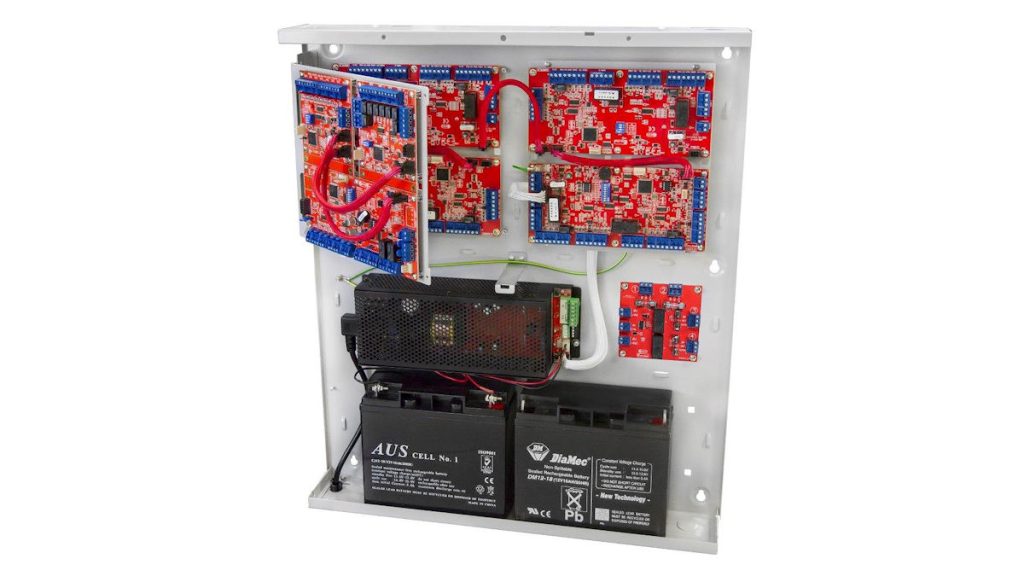
Use a decent lock and ensure the cabinet is large enough for all key components – board, expanders, comms, battery, transformer, etc. It’s easier to install and secure one large cabinet than to have bits hanging off an undersized housing. Put the relevant electrical warning labels on the door of the enclosure.
The enclosure needs all relevant knockouts ensuring power can arrive from the rear, though how you handle power is going to vary depending on the security level of your location. It’s not uncommon for panels installed in secure network closets to be plugged into adjacent power supplies inside the closet. You’ll need to check with the manufacturer and end user to make sure this meets the required security level. Ensure there’s a breaker and label the supply ‘security, don’t switch off’.
We’ve seen access and alarm controllers installed on reinforced concrete in underground carparks and plugged into AC just sitting right out in the open – switches and all. We sympathise with the horror of coring reo but boxing the supply and using poly conduit should be base level. If you’re ever forced to use an exposed power supply, oversize your batteries and make sure monitoring station procedures treat power fail of that controller as a priority alarm event rather than burying it in system event dross.
Use a supply with some tolerance on either side of 12V DC. Using compliant batteries with a larger capacity than recommended to offer longer support times in the event of power failure is a good idea. Class 5 systems need a battery that will support the system for 24 hours in standby and 30 minutes in alarm mode. Given we live in strange times that doesn’t sound very long to us.
Consider worst case scenarios for your application when selecting batteries. Think about the Brisbane floods of 2011 or the bushfires in the summer of 2019/2020. Batteries and UPS like these are inexpensive and being able to keep the security system standing and reporting during disasters is an excellent look for you as a security integrator. If your system is on a flood plain then think about elevation of core components – including the controller enclosure.
For reference, consider that the Lismore floods in 2022 peaked at 14.4 metres. There’s obviously not a lot that can be done about this degree of inundation but higher is better for core components. It’s common for security’s node zero to be squeezed into the dungeons of a building. This is fine if your site is on high ground but it will guarantee total system failure in the event of flood. Even if management ignores you, put the risk on record.
Back in the network closet, you’ll need to ground components inside the enclosure to cabinet ground for safety and to handle static discharge. Installing a grounded anti-static mat that will dissipate static from a technician to a local earth in front of the enclosure is no bad thing, given the damage static can cause to delicate electrical components. It’s about as cheap as an insurance policy can be.
A fully loaded security enclosure with battery, boards, transformer and cabling can weigh upwards of 15kg – more if it’s a large unit. This means you need to have a care with your fastenings. AS/NZS 2201 specifies that all the bits be correctly mounted according to relevant supplier instructions, but careful security professionals can go much further than this.
There are recommendations in AS/NZS 2201 for anchoring into plasterboard, a substrate we really dislike. Try to find something else to mount on if you can, or drive through the plaster into studs behind. If you must use plasterboard employ proper umbrella anchors and use as many as you can to distribute the load and handle future impacts or loads the enclosure may experience.
Use stainless fixings wherever possible and even with powder-coated enclosures using plastic spacers to keep stainless and mild steel under the powder separated. With external enclosures, remember that stainless or mild steel and aluminium should never be left alone together without supervision, especially in the presence of salt and water. They will play up.
Installed in contact with each other and in the presence of moisture aluminium will pit or powder coated paint will bubble. Resolving this will be expensive for your customer and will make you look unprofessional. It’s easier to make sure it never happens – especially if the controller is hard to access.
When installing enclosures on metal poles, consider vibration from traffic and wind harmonics, especially with elevated pole-mounted enclosures that have additional large structures attached to them that contribute to windage. Rubber mounts will help with damping. Use solar panels as sun and rain shrouds.
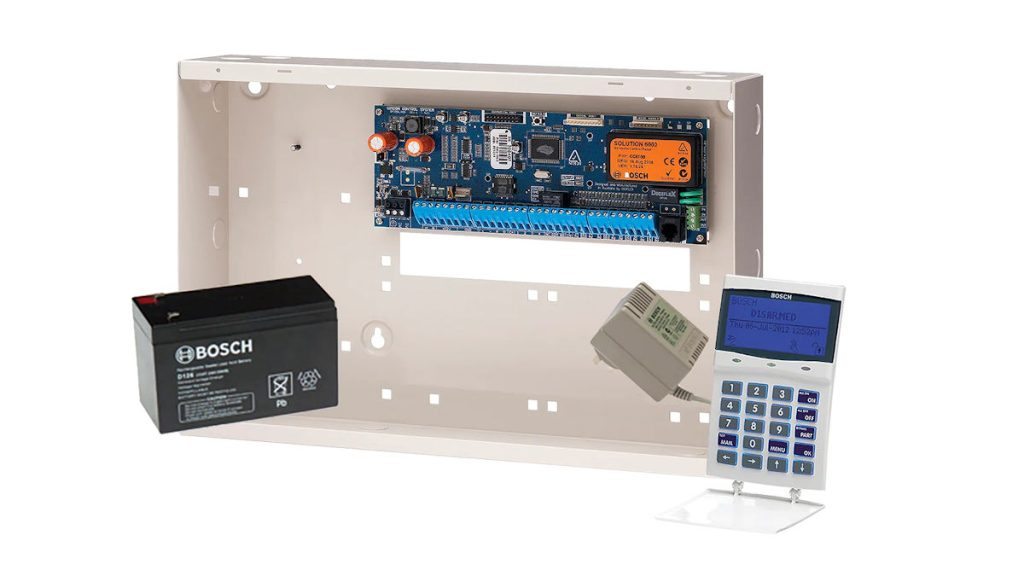
If you’re buying an enclosure from a supplier – which we tend to think is the best option in most cases – then it’s going to come with integrated tampers that activate a 24-hour alarm circuit if the enclosure is removed from its mounting point or the enclosure door is forced. Class 5 enclosures should include a vibration or seismic sensor, and SEN tends to think this is best practise for every enclosure. There’s no monitored security application in which disturbance of the controller is a trivial issue.
Alarm communicators can be tricky. They will not appreciate being buttoned up in a Farraday shield but you don’t want them sitting next to a Class 5 enclosure completely unsecured, either. Talk to suppliers about best practice with 4G LTE communications. Best practise is that even if communicators are separate from enclosures their housings should meet the high standards we’re discussing here.
Remember that elevation is always best with wireless transmitters of all kinds. Remember that surrounding communicators with reo is going to significantly impact signal performance. Think about antenna choice and configuration. If there are network components involved, remember that they need to be included in the security system to the point of being secured to the same level from end-to-end. A secure alarm system with a vulnerable communications path is a vulnerable alarm system.
There are other issues to consider, including weather sealing, ventilation, drainage, insects, the use of automated cooling fans and more. You’ll need to be across the requirements of internal components to cover these off effectively. If enclosures are mounted internally, you should be fine with heat but anything installed in direct sunlight on poles or in metal sheds without air flow will require ventilation planning or life expectancy may be significantly reduced.
You can find the AS/NZS 2201.1:2007 standard here though we note you’ll have to pay to download it – we think that’s a bit disappointing. Meanwhile, there’s more SEN news here.
“Control Panel Cabinet Best Practice For Security Installations.”