

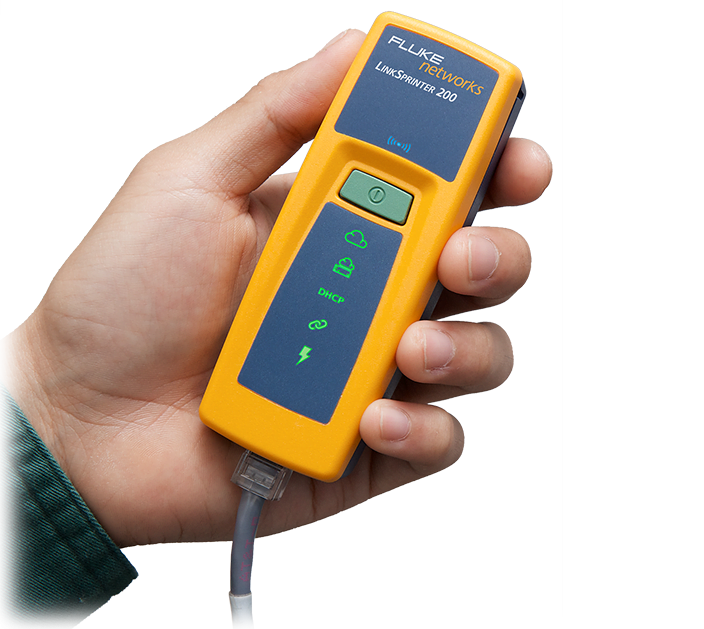
FLUKE Networks LinkSprinter provides technicians comprehensive network troubleshooting in as little as 9 seconds.
The tester features a 1-button, auto-test design allowing security installers to simply plug in the Ethernet cable they’re working with to do a full health check.
There are 5 tri-colored LEDs (Internet, Gateway, DHCP, Link, and PoE) on the LinkSprinter that help installers troubleshoot various network issues.
When you plug in Ethernet switches, they send out a port advertisement – this is either called CDP (Cisco Discovery Protocol) or LLDP (Link Layer Discovery Protocol) – and in that information packet is a lot of info about the slot port that you’re plugged into, the VLAN you’re on and the exact switch you’ve plugged into.
LinkSprinter 100 retails for $A199 provides users with network testing and automatic reporting to the cloud. LinkSprinter 200 is $299 and features built-in Wi-Fi hotspot and diagnostics accessed on mobile devices.